
SMS for Construction: Texts for Your Crew, Subbies and Clients
Text start times to your crew, call off a wet day for every subbie at once, and keep clients up to date on their build. From 4.85c per SMS, with no contract.
See pricingStart your free trial5 free SMS credits. No credit card needed.
What Is SMS in Construction?
In construction, SMS has two meanings. On this page it means short message service: the plain text message every mobile phone can get. In safety talk, SMS also stands for a safety management system, the policy, risk assessment and training records that keep a workplace safe.
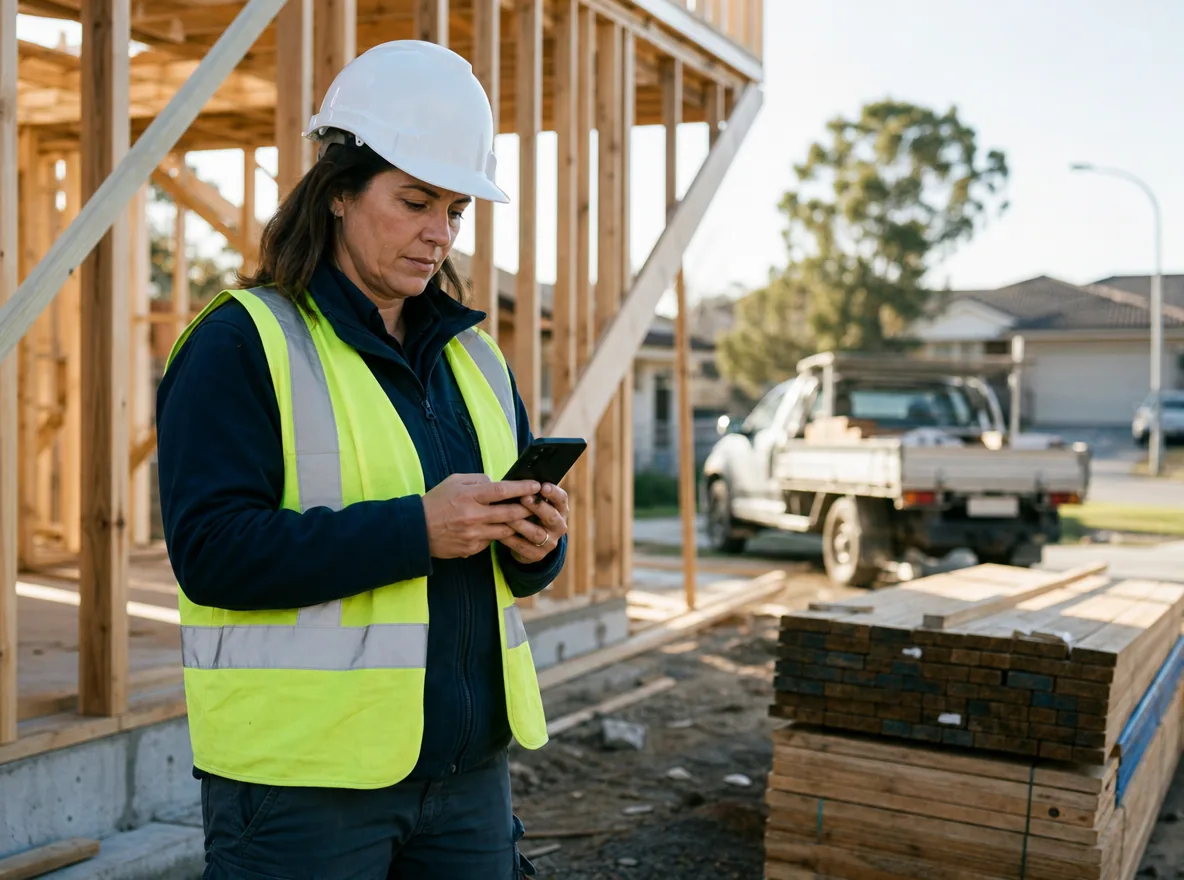
The two work well side by side. Your safety management system (SMS) says what must happen. A text gets that word to every worker on every construction site within seconds, with no app to open. Builders use text messages to call off a wet day, confirm a pour, share toolbox talk times and warn crews about hazards such as high winds or a blocked access road. Supervisors can text a whole crew across multiple sites in one go. Workers can reply from the scaffold, and the answer lands in your inbox. Construction work runs on early starts and late changes, and SMS keeps up with both.
Why Builders Across Australia Text Their Crews
Builders and trade firms text for the jobs that keep a site moving. Tap one of the eight below to watch a local builder do it.
Site Start Times
Everyone turns up at the right site at the right hour.
A no-show is clear the night before, not at 6:30am in the street. You have time to find a fill-in before the concrete trucks arrive.
Text the crew group the start time and address for tomorrow. Ask them to reply if they cannot make it.
Weather Delays
Nobody drives to a closed site.
Trades who stay home can book another job for the day. They keep working with you because you tell them early.
Call off a wet day for every subcontractor in one text. Pick the subbie group and send.
Safety Alerts
Supervisors on every site get the warning at once.
Each supervisor can act before the risk grows. The text sits on their phone with the time it arrived, which helps when you review incident reporting later.
Paste the numbers of your site supervisors and send one alert. Use it for high winds, heat or a hazard on the access road.
Toolbox Talks
Crews arrive ready for the talk.
Each supervisor sends from their own login and your credit, so the main password stays with the office. Meetings start on time, and safety protocols reach the whole crew.
A supervisor logs in with a sub-user account and texts the crew the time and topic of the next safety meeting.
Client Progress Updates
Clients know where their build is up to.
A client who gets updates rings the office less. Your project manager answers questions by text between site walks.
Send clients a short note at each stage of the build. Their questions land in the 2-way chat.
Quote Follow-Ups
More quotes turn into signed jobs.
A short text gets an answer when a phone call goes to voicemail. You hear yes, no or a question while the job is still in your diary.
Follow up a sent quote with a saved template. Paste the client's number and insert the text.
Delivery Bookings
Someone is at the gate when the truck arrives.
A missed delivery can stall the whole job and add a fee. Your office sends it from the supplier's email thread in a few seconds.
Tell the site lead about a supplier delivery. Type it like a normal email and address it to the site lead's number at smspapa.com.au.
Neighbour Notices
Neighbours know what is coming.
A friendly heads-up before a pour or a crane day heads off complaints. It also keeps the street on side for the rest of the build.
Warn nearby residents about noisy or busy days. Each text greets the neighbour by first name.
Text Templates for Crews, Subbies and Clients
Write each text once and file it under templates. Reuse it whenever the same job comes up. Good construction texts give the place, the time and one thing to do.
Site Start
Send it to the crew by mid-afternoon the day before, with the street and start time.
Pour at 14 Banks Rd, Box Hill starts 6:30am tomorrow. Trucks from 6:45. Reply if you cannot make it.
Wet Day
Send it as early as you can on the morning of the closure.
Ridgeway Build: rain has closed 14 Banks Rd today. No work on site. Back on Thursday 6:30am, weather permitting.
Safety Alert
Send it to supervisors as soon as you see the hazard. Ask for a reply.
Safety alert: winds over 60 km/h from 1pm. Stop crane lifts and tie down loose sheets on all Ridgeway sites. Reply OK.
Safety Meeting
Send it to the crew group a day or two before the meeting.
Safety meeting at 7am Monday in the site shed at Banks Rd. Topic: working at heights.
Stage Update
Send it to the client when the build reaches a new stage.
Hi Sarah, the frame is up at your home in Kellyville. The roof goes on next week. Ridgeway Build.
Handover
Send it when the job is done. Invite the client to reply with any defects.
Hi Tom, your extension at 8 Rose Ave is finished. Thanks for choosing Ridgeway Build. Reply here if anything needs a look.
Tools Builders Use Every Day
Run a big builder or a small construction firm, these tools work from the site office, the ute or the kitchen table.
Repeat Sends
Weekly reminders go out with nobody at a desk.
Set it up once. Subbies get the same nudge at the same hour every week, so paperwork comes in on time.
Choose a send time, or set the text to repeat each week. Friday timesheet reminders send themselves.
Crew Replies
A worker answers in two words from the scaffold.
You see who confirmed and who did not without ringing round. Replies can go into Excel for your site diary.
Replies come to your account, your registered mobile or your email, and you can export them to Excel. Crew and clients answer your virtual number like any text.
Who Got It Reports
You know which workers got the safety alert.
If a phone is off or a number is wrong, you see it on the report. Your supervisor can call that one person straight away.
SMS Papa emails a delivery report after each send. It lists every number and whether the text arrived.
Saved Construction Texts
Every supervisor sends the same clear wording.
A new supervisor can send a correct safety alert on day one. It helps build a safety culture where every message reads the same way.
Store unlimited templates: start times, wet days, safety alerts, stage updates and handovers.
Subbie and Client Lists
Each text reaches only the people it is for.
Keep crew, subbies, clients and neighbours apart. A wet day text never lands on a client's phone by mistake.
Make as many groups as you need. Add people by hand, by Excel upload or by copy and paste.
Opt-Out by Keyword
Your marketing list looks after itself.
When you text past clients about free slots, anyone who is done can leave in one reply. You stay on the right side of the Spam Act.
Past clients text back OPT-OUT RB and drop off the list on their own. It costs you nothing.
Company Name as Sender
Clients see your company name on the text.
Your name on the screen tells the client who it is before they open it. It reads like a note from the builder they hired.
Send under your company name, 3 to 11 letters, instead of a number. People cannot reply to a name, and you register it with the ACMA before use.
Try SMS Papa free5 free SMS credits. No credit card needed.
SMS for Every Kind of Construction Business
Every trade in the construction industry has its own texting jobs. Look for yours:
Home builders
Stage updates, client walk-throughs and handover notes.
Commercial builders
Start times and safety alerts across multiple sites.
Renovation and extension firms
Quote follow-ups and neighbour notices.
Civil and earthworks crews
Weather calls, plant moves and early starts.
Concreters and formworkers
Pour times and truck arrival texts.
Labour hire for construction
Shift offers that workers answer with a reply.
Australian Carriers, Local Support and No Contract
We keep your data in a secure data centre in Sydney.
We send through Australian carriers Telstra, Optus, Vodafone and Virgin.
You sign no contract and pay no monthly fee.
Call our local team on 1800 671 823.
Frequently Asked Questions
What Does SMS Stand For?
SMS stands for short message service, the standard text message on every mobile phone. In construction safety, SMS can also mean a safety management system. SMS Papa sends the text kind.
What Is SMS in Construction?
It is texting the people on a job: crew, subcontractors, suppliers and clients. Builders use it for start times, weather calls, safety alerts and progress updates.
What Are the Legal Restrictions on SMS Marketing in Australia?
The Spam Act 2003 covers marketing texts. You need consent, your business name in the text and a free way to opt out.
Is There Free SMS for Construction?
You can try SMS Papa free with 5 SMS credits, and you do not need a credit card. After that, prepaid packs start at 4.85c per SMS and never carry a monthly fee.
Is There an SMS for Construction Template?
Yes. Save your own templates in SMS Papa for start times, wet days, safety alerts and stage updates. The examples on this page are a good place to start.
Can My Crew Reply to a Text?
Yes, as long as the text goes out from a number. Answers arrive in the web inbox and on your phone. Nobody can reply to a company name sender.
Does SMS Papa Work with Job Management Software?
Yes, through the SMS API. SMS Papa offers no built-in connectors, so a developer does the linking. Or upload a list, or turn emails into texts with email to SMS.
Start Using SMS for Construction Today
Set up your account before knock-off and text tomorrow's start time to your crew. Your free SMS credits land the moment you sign up.
Get 5 free SMS credits5 free SMS credits. No credit card needed.
See all prices