
SMS for Events: SMS Marketing for Event Promotion and Text Messaging at Every Stage
Text ticket holders before the gates open, warn them about a change on the day and answer their questions. From 4.85c per SMS, with no contract.
See pricingStart your free trial5 free SMS credits. No credit card needed.
What Is SMS for Events?
SMS for events means an organiser uses text messaging to reach attendees before, during and after an event. A successful event depends on people knowing where to go and when. A text reaches a phone within seconds, and the character limit of 160 for one standard SMS keeps every message to the point: the event date, a gate number, a start time.
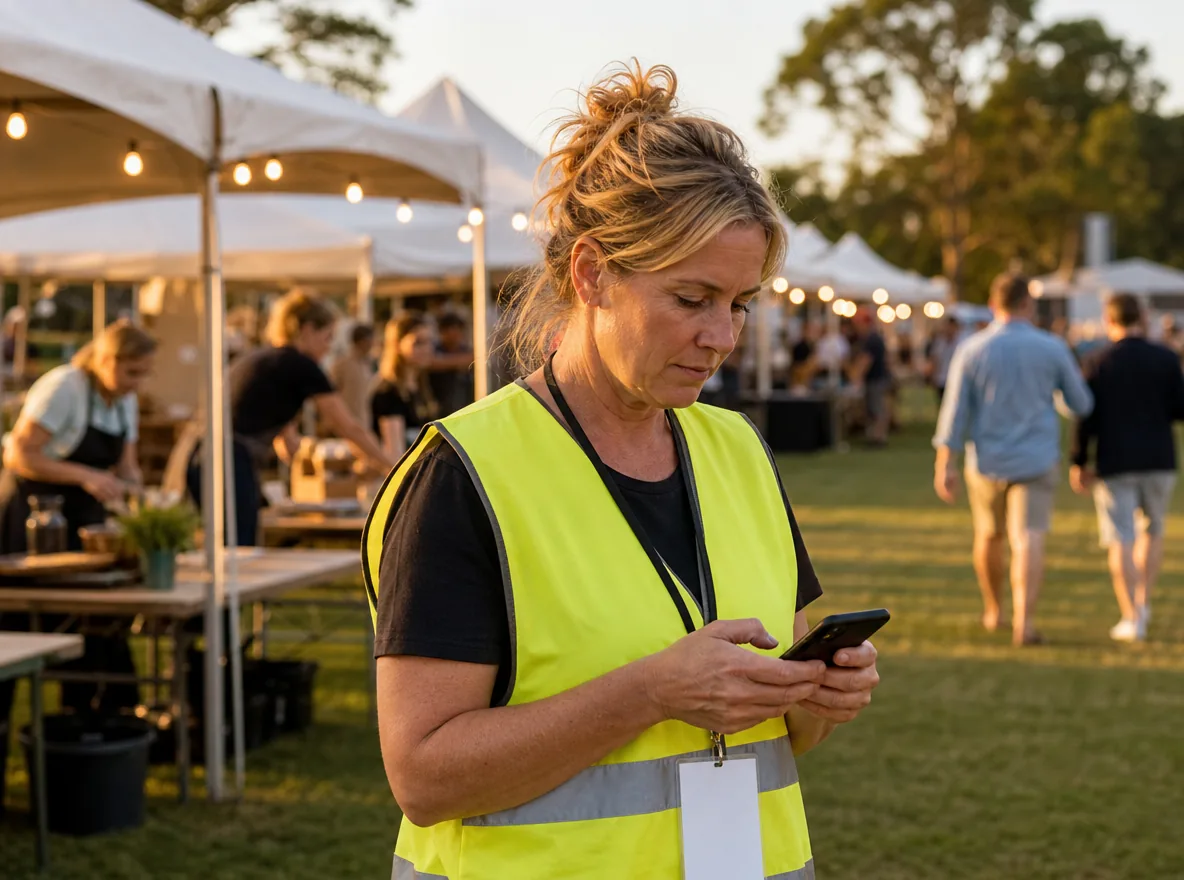
Event SMS covers two kinds of job. Event marketing texts sell tickets, build anticipation and give your list early access to future events. Event communication texts keep attendees informed: reminders, parking details, real-time updates and a venue change on the day. Attendees can text back too, so two-way SMS turns a question at the gate into a quick reply. For event planners, SMS messages sit beside email, the event app and social posts. People can read a text while they stand in a queue.
Why Event Organisers Across Australia Use SMS Papa
Festival teams, venues, conference organisers and wedding planners use SMS Papa at every stage of the event. Click a tab to follow one regional festival through each job.
Event Reminders
Attendees arrive on time and in the right place.
Sending timely reminders helps reduce no-shows and late arrivals. Your gate crew deals with fewer lost people at the entry.
Schedule a reminder to every ticket holder for the day before. Put the start time, the gate and the parking in one text.
Venue Changes
Everyone hears about a change in minutes.
A storm warning no longer means a hundred phone calls. Attendees get the new details on the phone in their pocket, and your team keeps working.
Tell every attendee about schedule changes, a weather call or a new venue in one send. Invite questions back by text.
Early Access Sales
Your keenest fans buy before the public.
Early access rewards the people who came last year. They hear first, so they can buy before the general sale opens.
Give your early access group first pick of tickets for the next event. Schedule it, with the opt-out wording last.
RSVP Replies
Guests answer in one word.
Replies come back in the 2-way chat, ready to export to Excel. Your catering numbers are firm long before the deadline.
Ask invited guests to reply YES or NO. Insert your saved RSVP text and send it to the guest list.
Ticket Confirmations
Buyers know their ticket is safe.
The text points to the email with their QR codes. Fewer buyers write in to ask if the payment worked.
Let your ticketing system send a text the moment someone buys. A developer connects it once through the SMS API.
Attendee Questions
People get an answer without finding the info tent.
A quick answer by text improves the attendee experience. Fewer people crowd the info tent, so staff there can help those who need it most.
Attendees text about bag rules, kids' tickets or food. Whoever holds the event phone answers in the 2-way chat.
Crew Call Times
Every volunteer and crew member knows where to be.
Event teams get changes on their own phones, not on a printed sheet. The site manager uses your credit without your password.
Send call times and shift changes to your crew group. Your site manager sends them with a sub-user login.
Post-Event Follow-Ups
You learn what to fix for next year.
Feedback arrives while the day is fresh. You plan the next event with real comments from the people who came.
Thank attendees the day after and ask for a score, or add a short survey link. Each post-event SMS greets the person by first name.
Event SMS Templates and Sample SMS Messages
Keep a template for each stage of your event: sales, reminders, the day itself and the follow-up. Change the names, dates and gates for each event. One clear message per text works best.
Early Access
Send it to past attendees a day or two before public sales. Add the opt-out line.
Hi Leah, early access to Bluegum Fest 2027 tickets opens Monday 9am, 48 hours before the public. Reply OPT-OUT FEST to opt out.
Day-Before Reminder
Send it the morning before. Give the gate, the time and the parking.
Hi Jade, Bluegum Food and Wine Fest is tomorrow. Gates open 11am, enter via Gate 2 on Mill Rd. Free parking in the east paddock.
RSVP Request
Send it three to four weeks out, with a clear reply date.
Hi Rosa, you are invited to the Bluegum Events Christmas dinner on 12 Dec at 7pm. Reply YES or NO by 1 Dec.
Change on the Day
Send it the minute the decision is made. Say what changed and what stays the same.
Hi Ben, storms are due at 4pm, so the Bluegum Fest wine tasting moves into the Town Hall. Same time, same ticket.
Last Tickets
Send it to the waitlist or past buyers when a few tickets are left. Add the opt-out line.
Hi Tom, only 40 tickets left for Bluegum Fest on 22 Nov. Tickets are on the festival website now. Reply STOP to opt out.
Thank You and Survey
Send it the day after, while the event is fresh.
Hi Kim, thanks for coming to Bluegum Fest. How was your day? Reply with a score from 1 to 5.
SMS Marketing Tools for Event Management and Event Communication
SMS Papa gives event teams simple tools for targeted messaging and SMS campaigns. Text one guest, a group of stallholders or send bulk SMS to every ticket holder.
Keyword Sign-Ups
Your list for next year grows during the event.
People sign up while they are having a good time. Every new name on the list asked to hear about upcoming events.
Put a keyword on the big screen or a sign. People text JOIN FEST and land in the early access group.
First Names in Texts
A bulk text feels like a personal note.
People read a text that greets them by name. It suits a wedding guest list as well as a crowd of 400.
Add the #first name# tag, and the ticket list supplies each attendee's name.
Send from Email
Text a vendor from the inbox you already use.
A planner can confirm a delivery time with vendors from a laptop at the venue. No new screen is needed.
Write from Outlook, Gmail or another mail app. The To line holds the vendor's mobile plus @smspapa.com.au, and the body holds the text.
Bulk Contact Import
Late buyers join the right group in seconds.
Add the latest ticket sales the night before the event. The day-before reminder then reaches every buyer.
Drop late ticket sales into Fast Import, or upload the latest Excel export. Groups are unlimited.
Opt-Out Keyword
Promotions reach only people who want them.
Your list stays full of fans who want to come back. Fewer offers land with people who have moved on.
People who text your opt-out keyword come off the group straight away. It is free for you and for them.
Delivery Reports
You know who missed an urgent update.
If a stallholder did not get the bump-in change, you call them before they drive out. Wrong numbers stand out before the next event.
Each send ends with a report in your email: delivered numbers, and numbers that failed.
Event Name as Sender
Attendees know who the text is from.
Your event name shows above the text, so people open it with trust. It matches your tickets, posters and website.
Your event name can appear as the sender, using 3 to 11 characters with no spaces. Replies to a name are not possible, and ACMA's Sender ID Register must list it.
Try SMS Papa free5 free SMS credits. No credit card needed.
SMS for Every Kind of Event
Each part of the events industry texts for different reasons. Pick yours:
Festivals and markets
Gate times, weather calls and stallholder bump-in.
Conferences and expos
Session changes, room numbers and speaker updates.
Event venues
Booking confirmations and run sheets for staff.
Wedding planners
RSVPs, guest bus times and vendor confirmations.
Fun runs and sporting events
Race pack pick-up, start times and course changes.
Theatres and concerts
Doors open times, late starts and early ticket access.
Australian Carriers, Local Support and No Contract
We keep your data in a secure data centre in Sydney.
We send through Australian carriers Telstra, Optus, Vodafone and Virgin.
You sign no contract and pay no monthly fee.
Call our local team on 1800 671 823.
Frequently Asked Questions
What Is SMS Marketing for Events?
SMS marketing for events is texting ticket offers and event news to people who agreed to get them. Organisers use it to sell tickets, fill a waitlist and bring past attendees back.
How Do You Write an Event SMS Message?
Give the event name, the date or time and one next step, in under 160 characters. For example: "Bluegum Fest is tomorrow. Gates open 11am at Gate 2." Add an opt-out line to any offer.
Is SMS Marketing Legal for Events in Australia?
Yes. The Spam Act 2003 asks for three things: consent, your event or business name in the text, and an opt-out that costs nothing.
Is There an SMS API Available in Australia?
Yes. The SMS Papa SMS API is a REST service that takes JSON and uses Basic auth. Your ticketing or event software can send texts and get replies through it.
What Is the Best SMS for Events?
When you compare SMS platforms for events, look for contact groups, scheduled reminders, two-way replies and keyword opt-out. You get all four in SMS Papa, and texts travel over Australian carriers.
Is There an SMS for Events App?
Open SMS Papa in the browser of a phone or laptop and send from the site office or the gate. There is nothing to install.
How Much Does Event SMS Cost?
Credit is prepaid, with no monthly fee on top. The top pack is 4.85c per SMS. Credits stay live while your account sends an SMS at least once every 6 months.
Can Attendees Reply to Event Texts?
Yes, from a virtual number. Answers land in the SMS Papa inbox and reach your mobile too. Replies do not work when you send from a sender ID.
Start Using SMS for Your Next Event
Sign up today and schedule the reminders for your next event in one go. The first 5 SMS credits are free.
Get 5 free SMS credits5 free SMS credits. No credit card needed.
See all prices