
SMS for Healthcare: Text Messaging for Patient Communication
Send appointment reminders, recalls and waitlist offers, and read patient replies in one place. From 4.85c per SMS, with no contract.
See pricingStart your free trial5 free SMS credits. No credit card needed.
What Is SMS in Healthcare?
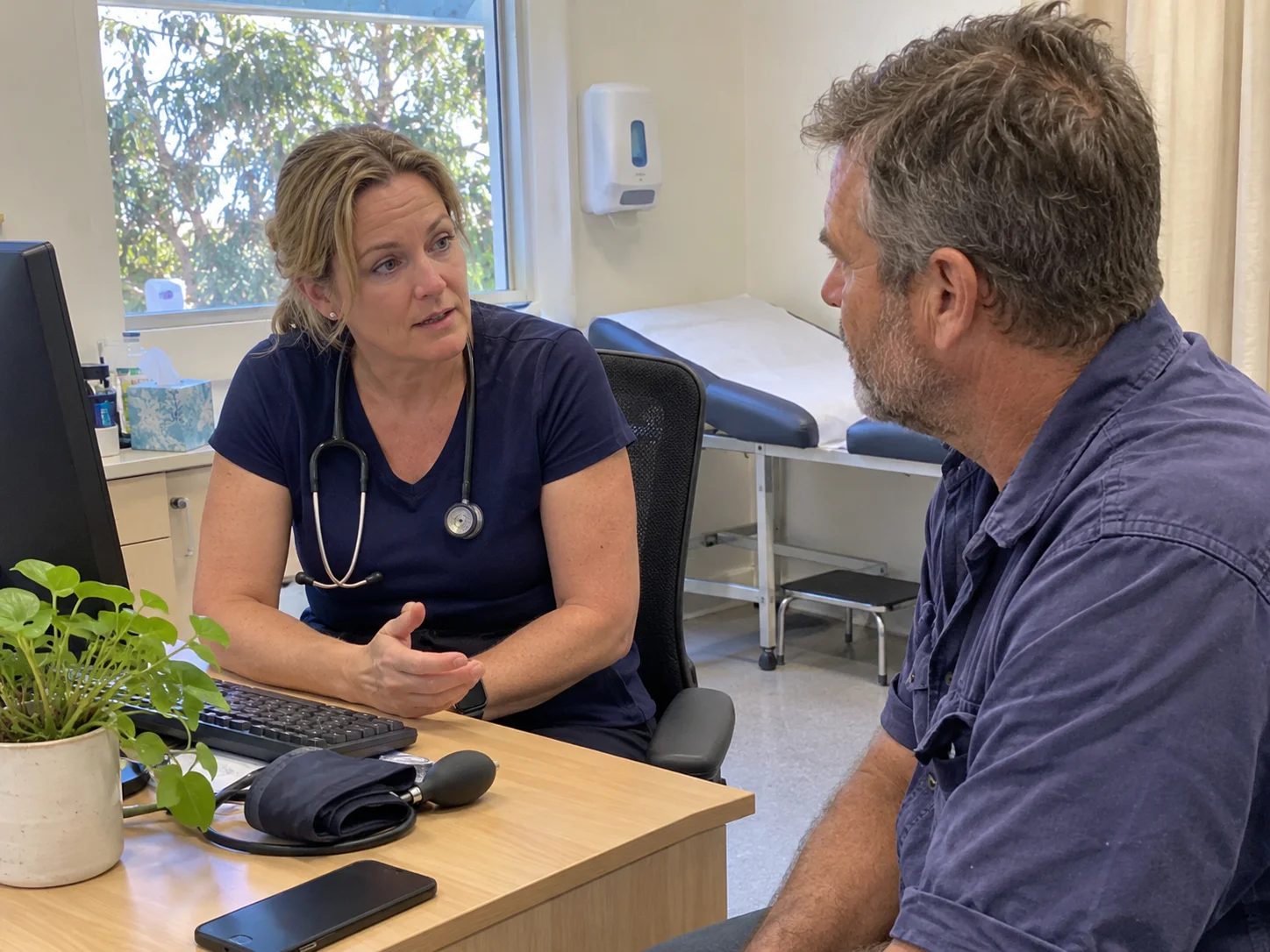
SMS in healthcare means a clinic, hospital or pharmacy sends short text messages to patients and staff. An SMS is the standard text message on every mobile phone. One standard SMS holds 160 characters, and the patient needs no app to read it.
Practices use healthcare SMS for practical jobs: appointment reminders, appointment confirmations, recalls, waitlist offers and notices about delays. Using SMS, you reach a patient at work, where a phone call often goes to voicemail. With two-way SMS, the patient replies in a few words when they have a free minute. Your reception staff read the reply between patients.
Why Healthcare Practices Across Australia Use SMS Papa
Healthcare practices use SMS Papa for the text messaging jobs that keep the appointment book full and patients informed. Pick a job to see how a medical practice does it.
Appointment Reminders
Every patient hears about their booking the day before.
Set the send time once. The reminder goes out while your team sees patients, and patients have time to tell you if they cannot come.
Schedule a reminder for the day before each booking. Pick the group, write the text and set the send time.
Appointment Confirmations
Patients confirm or move a booking with one reply.
Reception reads the answer between patients and offers a new time in the same thread. No one plays phone tag.
Ask the patient to reply Y to confirm or N to change the time. Answer the reply from the 2-way chat.
Recalls
Every patient on the recall list gets asked to book.
One send covers the whole list in a minute. Patients reply from work with a day that works for them.
Ask the patients who are due for a check-up or review to book. Send one text to the whole recall group.
Waitlist Offers
A cancelled time goes back into the book.
One text offers it to everyone on the waitlist. The first reply gets the spot, while there is still time to fill it.
Offer a cancelled time to patients who want an earlier booking. The first person to reply gets the time.
Running Late
Patients know about a delay before they leave.
One text reaches everyone booked for the rest of the day, so they can plan their afternoon.
Tell the rest of the day's patients that the practitioner is behind time. Paste their numbers and send one text.
Ready for Pickup
Patients know when to come in and collect.
The text says what is ready and when the desk is open. It names no medicine and no result, so it stays private on a lock screen.
Tell a patient that paperwork or a device is ready to collect. Use a saved template, and leave out the name of any medicine or result.
Patient Follow-Up
Check in after a visit with one short text.
The patient gets your number in their phone and can reply if they need help. They know who to call.
Check in after a visit. Give the practice phone number, so the patient can call if they need help.
Staff Notices
The whole team hears about a change at once.
One text reaches every staff member on their own phone. Each receptionist sends from their own login on your account credit.
Send roster changes and urgent updates to a staff group. Each receptionist can send from their own login.
SMS Templates for Healthcare
Save each message once as a template. Then send it again with one click. These examples keep clinical details out of the text.
Appointment Reminder
Send the reminder the day before. Give the time and the place, and ask for a reply.
Hi Sandy, this is a reminder of your appointment at Northside Physio tomorrow at 10:30am. Reply Y to confirm or N to change.
Recall
Ask the patient to book. Do not say why the patient is due.
Hi Tom, you are due for your next visit at Harbour Medical. Text back a day that works for you and we will find a time.
Waitlist Offer
Send one text to your waitlist group. The first person to reply gets the time.
Hi Priya, a time is free today at 2:15pm at Harbour Medical. Reply YES if you want it. First reply gets the spot.
Running Late
Send one text to the patients booked for the rest of the day.
Hi Ben, Dr Lee is running about 30 minutes behind today. Please arrive 30 minutes later than your booked time.
Ready for Pickup
Say what is ready and when the front desk is open. Leave out the name of any medicine or result.
Hi Mia, your paperwork is ready for pickup at Harbour Medical. Our front desk is open until 5pm today.
Follow-Up
Ask how the patient feels. Give a phone number for questions.
Hi Ravi, thanks for visiting Northside Physio today. If you have any questions, call us on 02 5550 1234.
SMS Papa Features for Healthcare Providers
Scheduled Reminders
Reminders go out on time while you see patients.
Set the date and time once. Patients get the reminder the day before, and reception gets on with the day.
Set a message for a date and time, a day of the week or a repeat. You cannot cancel a scheduled message in the last 5 minutes before it sends.
Two-Way SMS
Patients text back with a few words.
The answer comes to your account, your mobile or your email. A short reply can confirm or move a booking without phone tag.
Patients reply to your virtual number. Replies come to your account, your registered mobile or your email, and you can export them to Excel.
Personalised Messages
Every text greets the patient by name.
A text with their own name reads like it came from their own practice, so patients know who it is from.
Add the #first name# tag. SMS Papa puts each patient's first name in the text from your contact book.
Message Templates
Write each message once. Send it again with one click.
Every receptionist sends the same careful wording, with no clinical detail and no typos.
Save as many SMS templates as you need: reminders, recalls, waitlist offers and notices.
Contacts and Groups
Text a whole list of patients at once.
Export a list from your practice software and paste it in. One send reaches every patient on it.
Keep unlimited groups. Add patients by hand, by Excel upload or by copy and paste.
Multi-User Accounts
Each receptionist has their own login.
Your password stays private, and every text comes from one account credit.
Give each receptionist a sub-user login. Sub-users send from your credit without your password, and there is no limit on sub-users.
Delivery Reports
Know which patients got the text.
The report comes to your email after each send. You see who did not get it, so you know who to call.
SMS Papa emails a report after each send. It shows who got the message and who did not. Some carriers do not return reports, so a report can be incomplete.
Try SMS Papa free5 free SMS credits. No credit card needed.
SMS for Every Kind of Healthcare Practice
Each type of practice uses SMS a little differently. Pick yours:
Dental clinics
Recalls, unbooked treatment, short-notice gaps and missed appointments.
SMS for dental clinics →Medical clinics and GPs
Appointment reminders, running late notices and requests to call the clinic.
Physiotherapy and chiropractic
Confirmations for a course of visits and follow-up after a session.
Psychology and counselling
Plain reminders with no detail about the session.
Optometrists
Recalls for eye tests and notices when glasses are ready to collect.
Pharmacies
Notices when an order is ready for pickup.
Allied health and NDIS providers
Visit times, roster changes and staff notices.
Australian Carriers, Local Support and No Contract
We keep your data in a secure data centre in Sydney.
We send through Australian carriers Telstra, Optus, Vodafone and Virgin.
You sign no contract and pay no monthly fee.
Call our local team on 1800 671 823.
Frequently Asked Questions
What Is SMS in a Hospital?
In a hospital, SMS is a text message to a patient or a staff member. Hospitals use it for appointment reminders, admission details and staff call-outs.
Can You Give Me an Example of an SMS Message for Healthcare?
Yes. "Hi Sandy, this is a reminder of your appointment at Northside Physio tomorrow at 10:30am. Reply Y to confirm or N to change." More examples are in the templates section above.
How Do I Send SMS That Keeps Patient Information Private?
Keep clinical information out of the text. Send only the time, the place and a request to reply or call. Get consent first, and give patients a free way to opt out.
Is There Free SMS for Healthcare?
You can try SMS Papa free with 5 SMS credits. After that, you buy prepaid credits from 4.85c per SMS, with no monthly fee.
Is There an SMS App for Healthcare?
You do not need to install an app. The SMS Papa web app runs in any browser on a computer, tablet or phone.
Does SMS Papa Work with My Practice Management Software?
SMS Papa does not connect to practice software directly. Export a patient list and upload it, or connect your own system through the SMS API. You can also send from any email program with email to SMS.
Can Patients Reply to a Healthcare Text?
Yes, when you send from a number. Replies go to your account, your mobile or your email. Patients cannot reply to a sender ID.
Start Texting Your Patients Today
Sign up in a few minutes and send your first reminder today. You get 5 free SMS credits, and you do not need a credit card.
Get 5 free SMS credits5 free SMS credits. No credit card needed.
See all prices