
SMS for Home Services: Bulk SMS Service for Cleaners, Repairers and Pest Controllers
Confirm bookings, tell customers you are on the way and remind past clients when the next service is due. From 4.85c per SMS, with no contract.
See pricingStart your free trial5 free SMS credits. No credit card needed.
What Is SMS for Home Services?
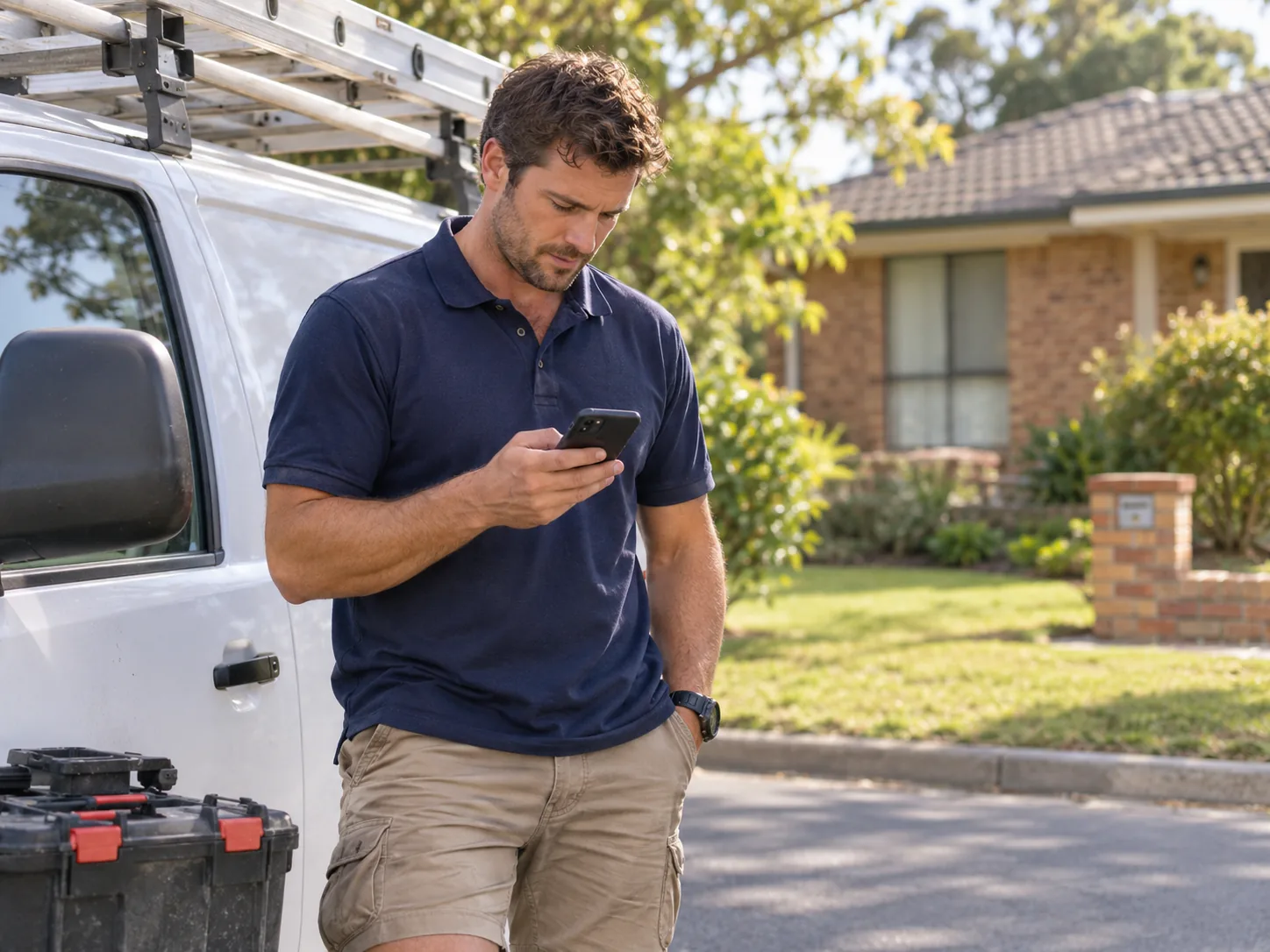
SMS for home services means a cleaning, repair or maintenance business texts customers about their jobs. A text tells the household when you will arrive, what to get ready and how to change the time. It lands on any mobile in seconds. The customer needs no WhatsApp or other app to read it.
Most home service texts are transactional SMS: confirmations, appointment reminders and on the way alerts. Some are SMS campaigns, such as a seasonal reminder to book a gutter clean or a pest treatment. Both kinds suit bulk SMS, because one message can go to a whole group at once. With two-way messaging, the customer replies to say the gate code or to ask for a later slot, and your office answers by text. That kind of business communication via SMS saves phone calls for you and for the customer.
Why Home Service Businesses Across Australia Use SMS
Service businesses text for the small jobs that keep the day on track. Choose one of the eight below to see how a local cleaning and maintenance company does it.
Booking Confirmations
Customers have the date and time in writing.
A quick Y reply locks the job in. If the time is wrong, you find out now, not when the van pulls up.
Confirm each new job with a saved template. Paste the customer's number and insert the text.
On the Way Texts
Customers are home and ready when you arrive.
They open the gate, lock up the dog and move the car. Your technician starts work on arrival instead of waiting at the door.
Text the customer when the technician leaves the last job. Paste their number and send.
Appointment Reminders
Fewer wasted trips to empty houses.
Each missed visit costs fuel and an hour you cannot sell. A reminder the day before lets customers move the job while you can still fill the gap.
Set a reminder to go out the afternoon ahead of every job. Pick the "Booked this week" group and set the time.
Online Booking Alerts
Every web booking gets a text in seconds.
The customer knows the booking worked, even at 11pm. Nobody in the office has to type it, and the job is ready for the morning.
Let your booking system confirm web bookings on its own. A developer connects it to the SMS API.
Quote Questions
Customers ask instead of going quiet.
A question by text is easy to answer between jobs. You turn more quotes into bookings without chasing anyone on the phone.
Send a quote by email, then a short text so the customer knows it is there. Their questions pop up in your 2-way chat.
Feedback After the Job
Customers tell you how you went.
Happy customers say so, and you can ask them for a review. An unhappy one tells you before they tell their neighbours.
Thank every customer from today's jobs in one send. Each text uses their first name.
Seasonal Reminders
Past customers book again without a phone call.
Gutters, pests and carpets come back every year. One text at the right time fills the diary from customers who already know you.
Remind past customers when their yearly service is due. Finish with the opt-out wording, then send to the whole group.
Team Dispatch
Technicians hear about a change while on the road.
One text reaches every van at once. Sub-users send from your credit, so the owner's password stays private.
Office staff send new jobs and changes to the team group. Each one logs in as a sub-user.
SMS Templates for Home Services
Write a text once, save it, and reuse it on every job. Short texts work best: the job, the time and what the customer should do.
Booking Confirmed
Send it when the customer books. Ask for a Y to lock it in.
Hi Emma, your gutter clean is booked for Tue 25 Nov, 8am to 10am. Reply Y to lock it in, or call 02 5550 2211 to move it.
Day Before Reminder
Schedule it for the afternoon before the job.
Hi Peter, reminder: Bluegum Home will be at your place tomorrow between 8am and 10am. Reply if anything has changed.
On the Way
Send it as the technician leaves the last job. Give the arrival time.
Hi Ruth, Josh from Bluegum Home is on the way and should arrive in about 20 minutes.
Running Late
Send it as soon as you know. Give a new time.
Hi Sam, sorry, our last job ran over. Josh will be with you at 2:30pm instead of 2pm. Reply if that does not work.
Job Done
Send it after the visit. Invite feedback.
Hi Emma, thanks for having Bluegum Home today. How did we go? Reply with any feedback.
Yearly Service Due
Send it to past customers a year after the last job. Add the opt-out line.
Hi Alan, spring is here. Time for your yearly pest treatment with Bluegum Home? Reply YES to book. Reply STOP to opt out.
Bulk SMS Tools for Better Customer Communication
Run a one-van business or a team of twenty, these tools fit the way you work. Send from the office, the van or the couch.
Two-Way Messaging
Customers sort out small things by text.
Gate codes, parking and later times get settled in a few words. Your phone rings less while you are on a roof.
Replies come to your account, your registered mobile or your email, and you can export them to Excel. Customers simply answer your virtual number.
Email to SMS
Text customers from the inbox you already use.
When a booking email comes in, reply to it as a text in a few seconds. There is no new program for the office to learn.
Send a text from Outlook, Gmail or any email program. Put the mobile number and @smspapa.com.au in the To line.
Delivery Reports
You spot wrong numbers in your customer list.
Fix a bad number before the next reminder fails. Some carriers do not send reports back, so use it as a guide.
After a send, SMS Papa emails you a report. It shows each number that got the text and each one that did not.
Saved Templates
Every message sounds like your business.
A new office staff member sends tidy, correct texts from day one. Nobody types the same reminder twice.
Keep unlimited templates for confirmations, reminders, on the way texts and seasonal offers.
Customer Groups
Each text reaches the right households.
Keep this week's bookings apart from past customers. A reminder never goes to someone with no job booked.
Make as many groups as you like. Add people by hand, by Excel upload or by copy and paste.
Keyword Opt-Out
Your past customer list stays tidy.
People who moved house or no longer need you drop off in one reply. Your next seasonal reminder reaches only people who want it.
A customer texts OPT-OUT plus your keyword and leaves that group on their own. It is free.
Business Name Sender
Customers see your name, so they open the text.
A name they know builds trust at a glance. Use it for notices that need no reply.
Show your business name (between 3 and 11 characters) where the number would be. Nobody can reply to it, and you register it with the ACMA first.
Try SMS Papa free5 free SMS credits. No credit card needed.
SMS for Every Kind of Home Service
Every kind of home service has its own texting rhythm. See where yours fits:
Cleaning companies
Booking confirmations, key pickup times and end of lease reminders.
Pest control
Yearly treatment reminders and prep notes before a visit.
Appliance repair
On the way texts and parts arrival updates.
Window cleaners
Rain delays and regular round reminders.
Rubbish removal
Pickup windows and what to leave out.
Lawn and garden care
Mowing round reminders and weather changes.
Handyman services
Quote follow-ups and arrival times.
Australian Carriers, Local Support and No Contract
We keep your data in a secure data centre in Sydney.
We send through Australian carriers Telstra, Optus, Vodafone and Virgin.
You sign no contract and pay no monthly fee.
Call our local team on 1800 671 823.
Frequently Asked Questions
How Do Home Service Businesses Use SMS?
They send booking confirmations, day before reminders, on the way texts and feedback requests. Some also send seasonal reminders to past customers.
Where Can I Send a Free Text Message Online in Australia?
New accounts start with 5 free SMS credits, and you do not need a credit card. Trial texts can be up to 100 characters long and end with a line naming SMS Papa.
How Much Is a Bulk SMS?
At SMS Papa, the TEXT 12000 prepaid pack works out to 4.85c for each SMS. You never pay a monthly fee. Brand new accounts can pay 1.9c per SMS on their first order through the new customer offer.
Which Providers Offer Bulk SMS Services?
Many Australian businesses offer a bulk SMS service. Compare price per SMS, two-way replies, scheduling and support. SMS Papa sends through Telstra, Optus, Vodafone and Virgin, and keeps data in Sydney.
What Is an SMS Gateway?
An SMS gateway connects your software to the mobile networks. Through the SMS Papa SMS API, a booking system can send texts and get replies on its own.
Can I Connect My Job Management Software?
Yes, through the SMS API. There is no ready-built connector for job software, so a developer plugs your system into the API. You can also upload customer lists or use email to SMS.
Can Customers Reply to My Texts?
Yes, when you send from a number. Replies reach your SMS Papa inbox and your mobile. Customers cannot reply to a sender ID.
Start Using SMS for Home Services Today
Open an account now and confirm tomorrow's jobs by text tonight. Your free credits are ready the moment your account opens.
Get 5 free SMS credits5 free SMS credits. No credit card needed.
See all prices